
Faster Microsoft 365 Adoption, One Quick Answer at a Time
Learning Nuggets are a searchable library of 1,600+ bite-sized videos and step-by-step guides covering Word, Excel, Teams, Outlook, Copilot and more. Employees search, find the answer and get back to work, without raising a helpdesk ticket or or working through a full course.
✔ Available in 9 languages ✔ Always up to date ✔ Fully brandable
Answers
in Minutes
Short, task-based guides solve the problem in the moment. Most take only a few minutes.
Fewer IT
Tickets
Employees solve common questions themselves, freeing IT for higher-value work.
Copilot-Ready Teams
Teach people to write effective prompts and use Copilot in Word, Excel, PowerPoint, Outlook, and Teams.
Get More From Your Licences
Higher adoption means a better return on your Microsoft 365 investment.
Find It
Fast
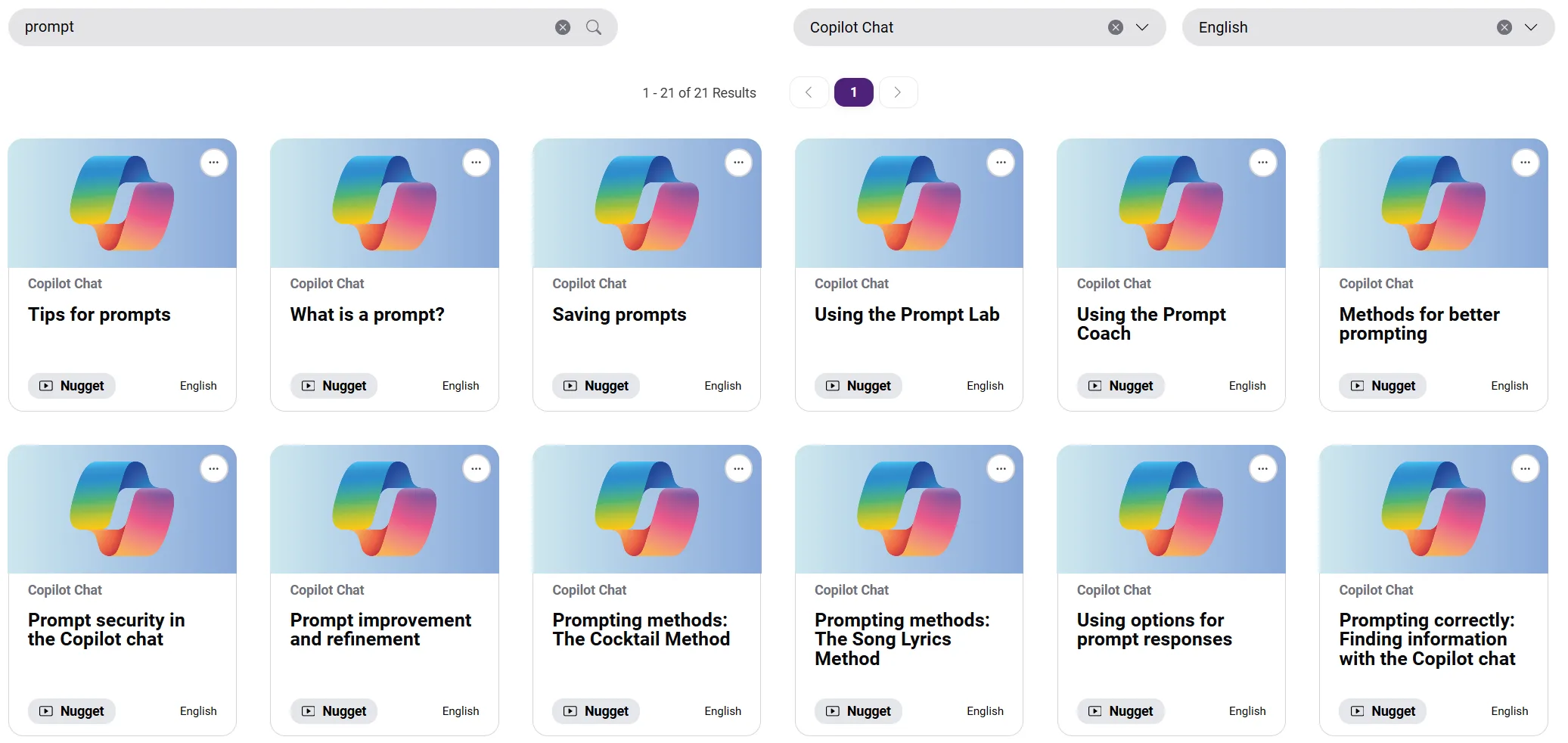
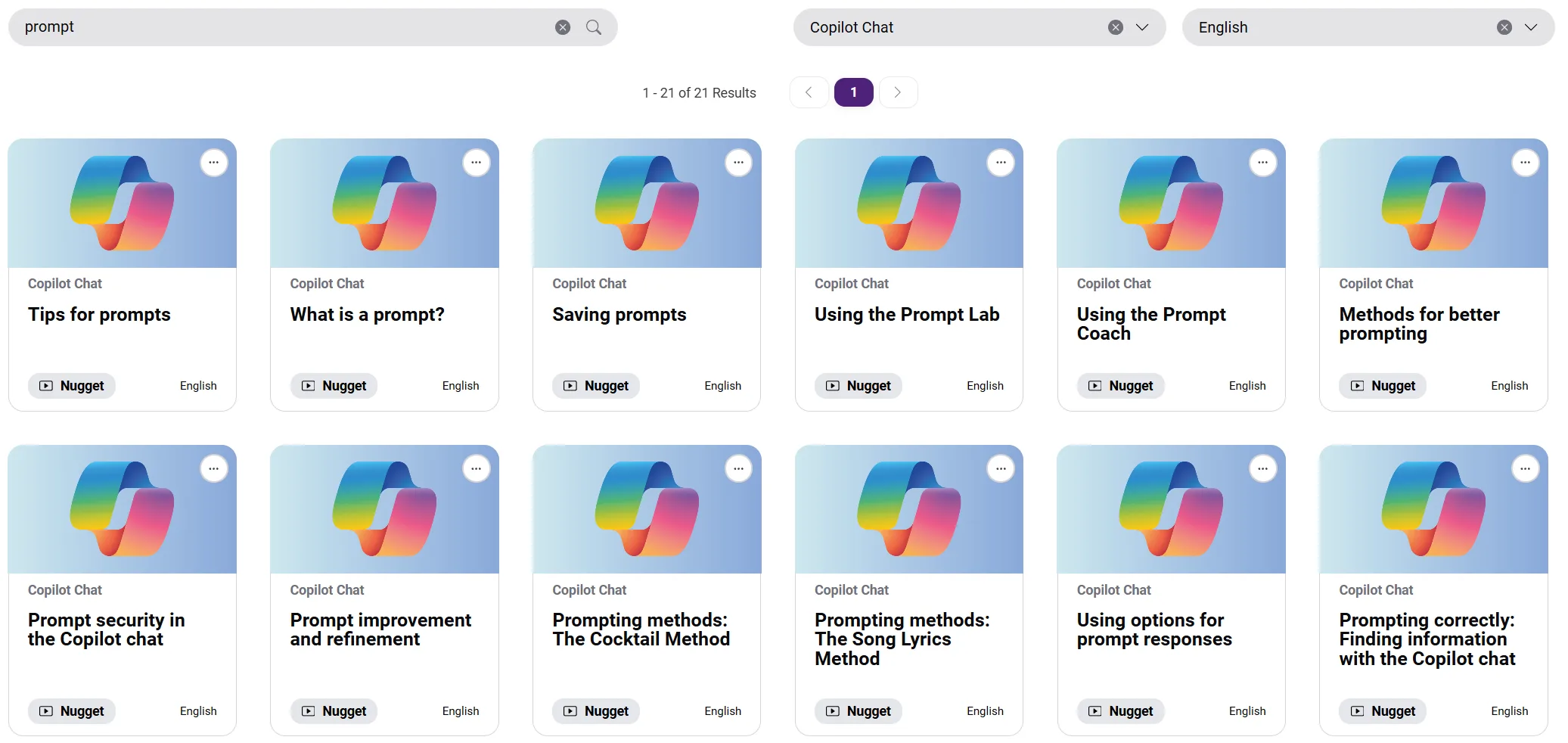
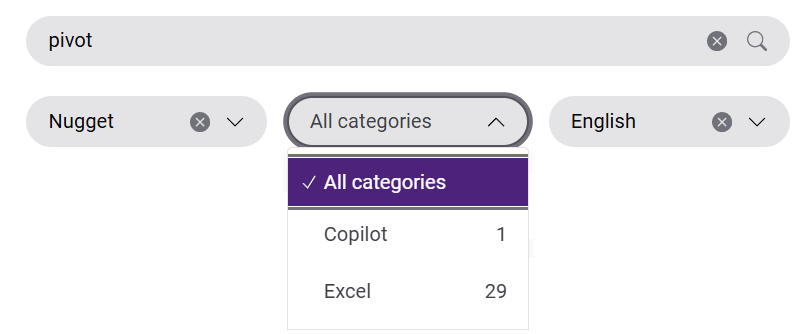
Search by keyword, filter by app or language, and get to the right guide in seconds.
Always Up
to Date
We update our courses and Learning Nuggets as Microsoft 365 and Copilot evolve.
Help at the Exact Moment Your Employees Need It
Five minutes before a meeting, stuck on a pivot table? Your employees don't need a course. They need the exact answer, right now. Learning Nuggets give it to them in minutes, without a helpdesk ticket.
Learning Nuggets vs. E-Learning Courses: Which Do You Need?
Learning Nuggets and structured e-learning courses complement each other and solve different problems. Most organisations use both.
| ⚡ Learning Nuggets | 🎓 E-Learning Courses | |
|---|---|---|
| Best for | Solving a specific task right now | Building skills over time |
| Time needed | A few minutes | Structured learning paths |
| When it's used | During daily work | Onboarding & planned training |
| Coverage | One feature or scenario | Comprehensive topic coverage |
| Business outcome | Higher productivity, fewer support requests | Long-term competence |
| How it's delivered | Via our online platform, with your own branding as an option | SCORM package or our online course platform |
Make Microsoft 365 Copilot Work for Your Teams
Buying Copilot licences is the easy part. Real adoption happens when employees know how to use Copilot in their daily work.
Our Copilot Learning Nuggets show users how to:
- Write effective prompts
- Generate and improve documents in Word
- Build presentations in PowerPoint
- Analyse data in Excel
- Summarise emails and conversations
- Improve Teams meetings and collaboration
Find the Right Answer in Seconds
Forget logging into an LMS, emailing the helpdesk or searching the web. Employees get everything from one central, searchable library.
The Right Format for Every Task
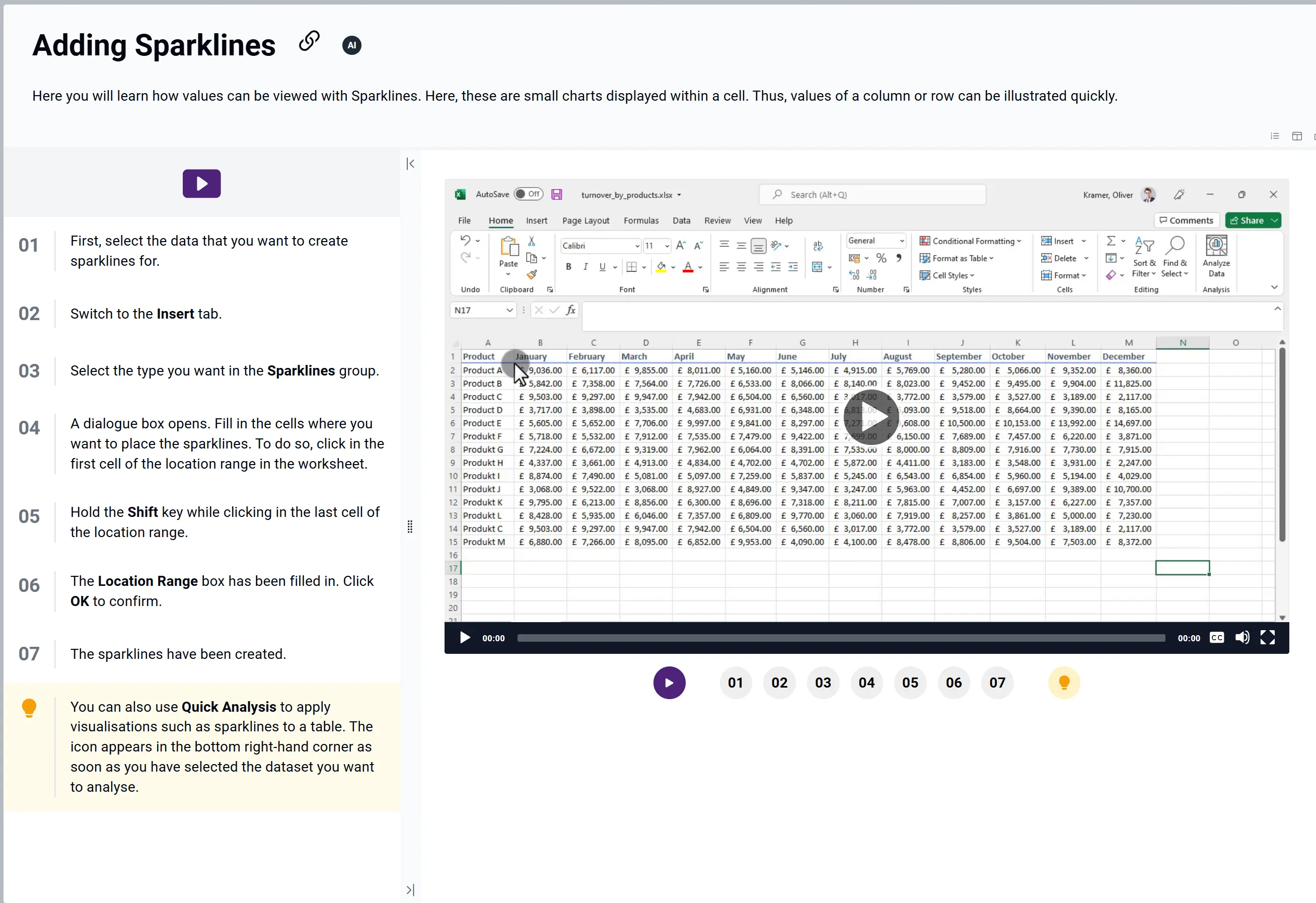
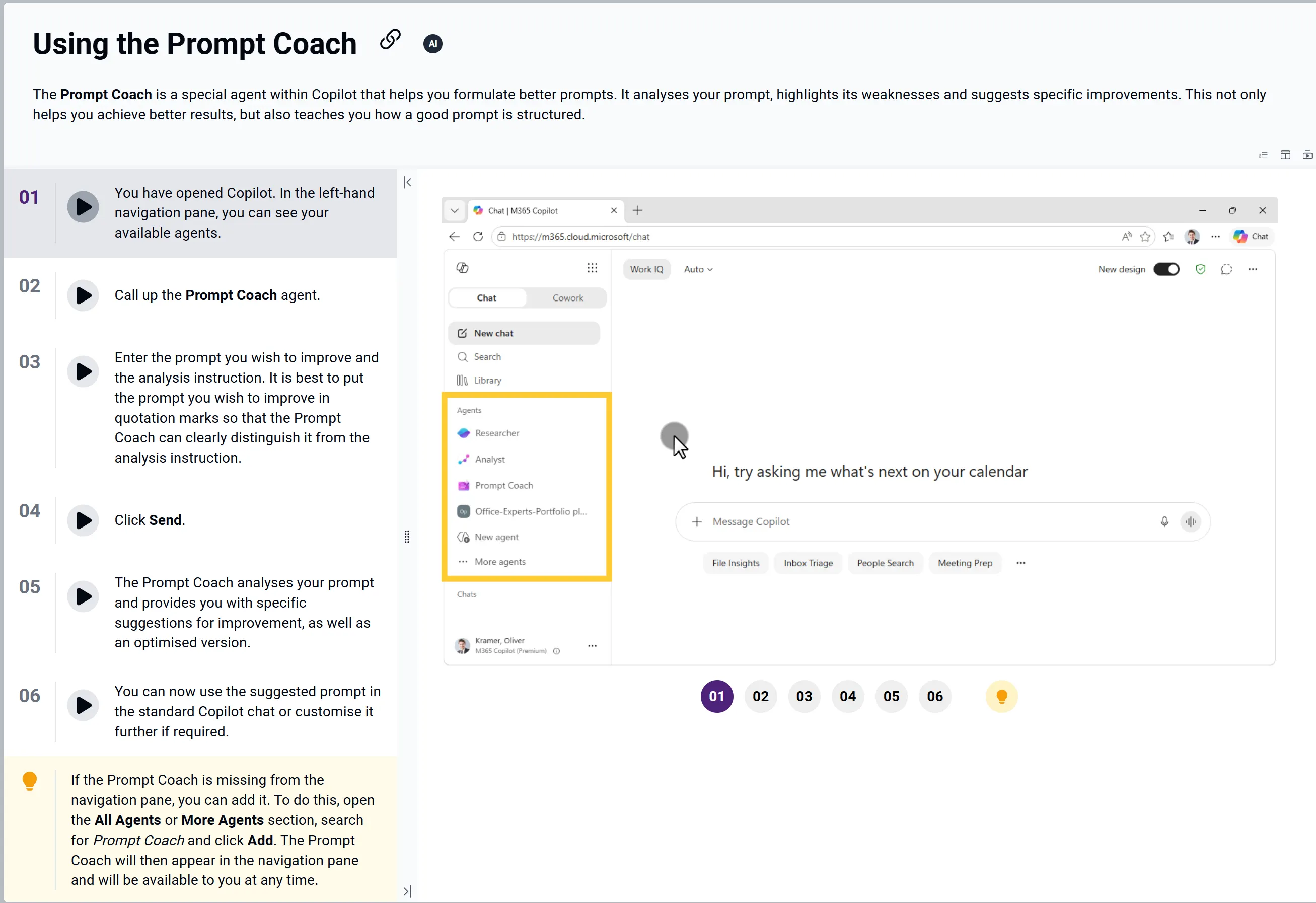
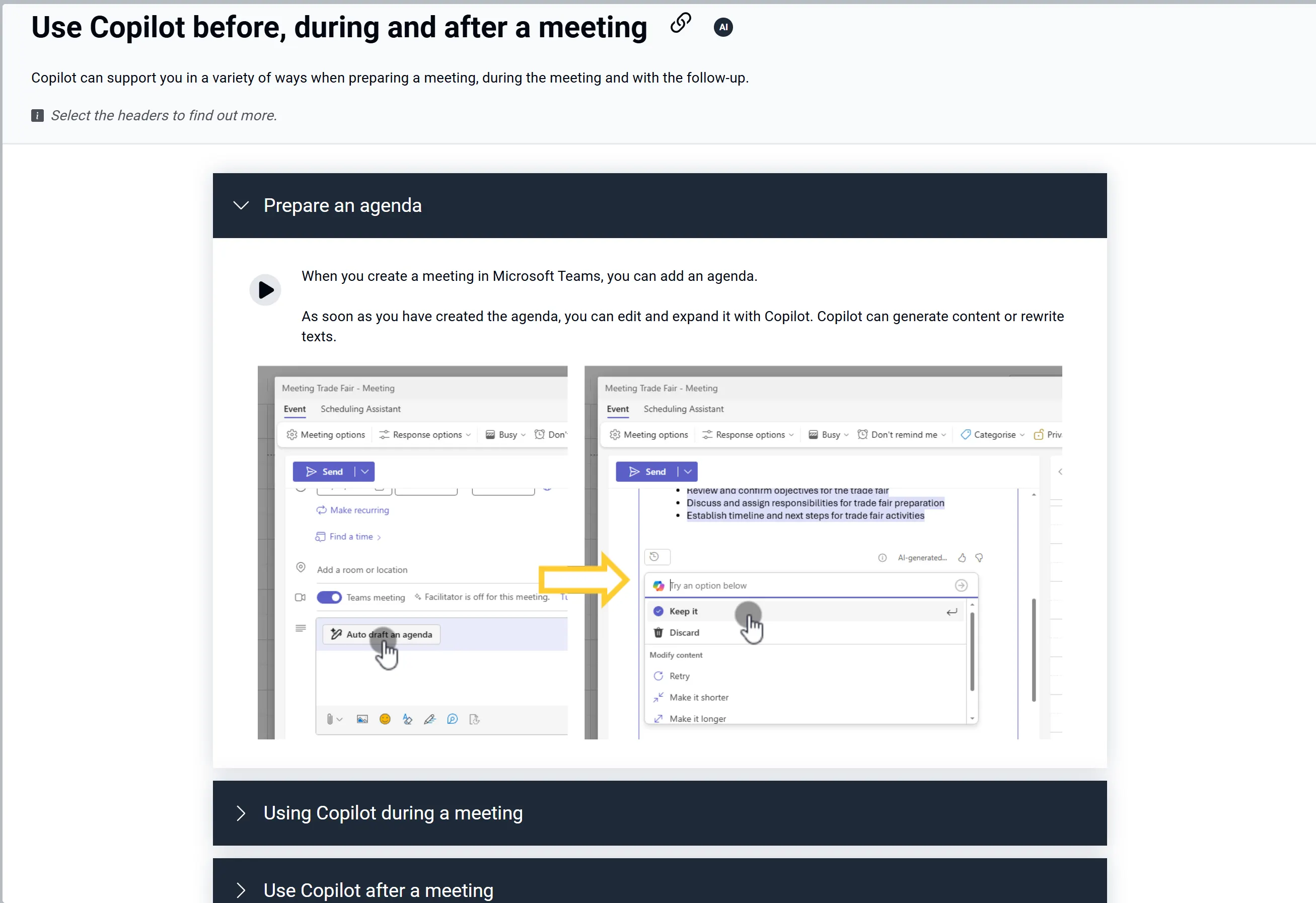
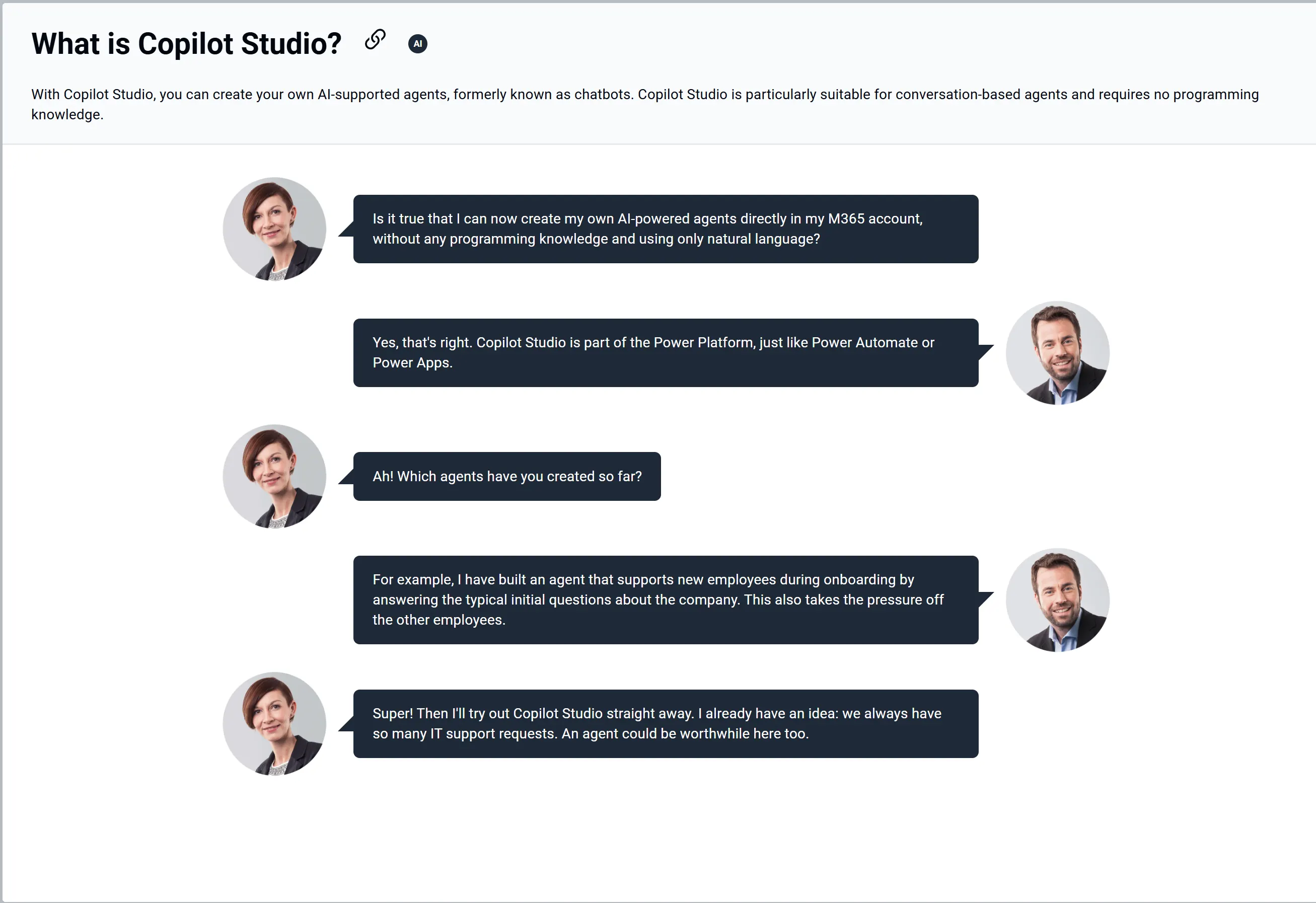
Depending on the topic and the application, Learning Nuggets come as short videos, step-by-step guides with audio support, interactive sections or conversation-based explanations. Employees pick whichever gets them to the answer fastest.
Make It Yours: Branded to Your Organisation
Learning Nuggets run on our online platform, which you can have ready to use or branded as your own.
- Standard platform: ready to use at a lower cost
- Branded platform: your logo, colours matched to your corporate design, and platform adjustments to suit your needs
Covers the Microsoft 365 Apps Your People Use
The library spans 30+ Microsoft apps and services, including Word, Excel, Teams, Outlook and Copilot. Learning Nuggets are licensed in application-based training packages, so the apps included depend on the package you choose.
Simple Subscription Licensing
Learning Nuggets are licensed by subscription, in the same training packages as our Microsoft 365 courses, so you can combine nuggets and courses in one agreement.
How it works
- Tell us your needs: how many users and which languages.
- Try it first: request complimentary test access for your team.
- Launch: we configure your branded platform and you go live.
Looking for pricing? Request a quotation
Questions from IT? See the technical prerequisites